P-02 · How I built it
Stash
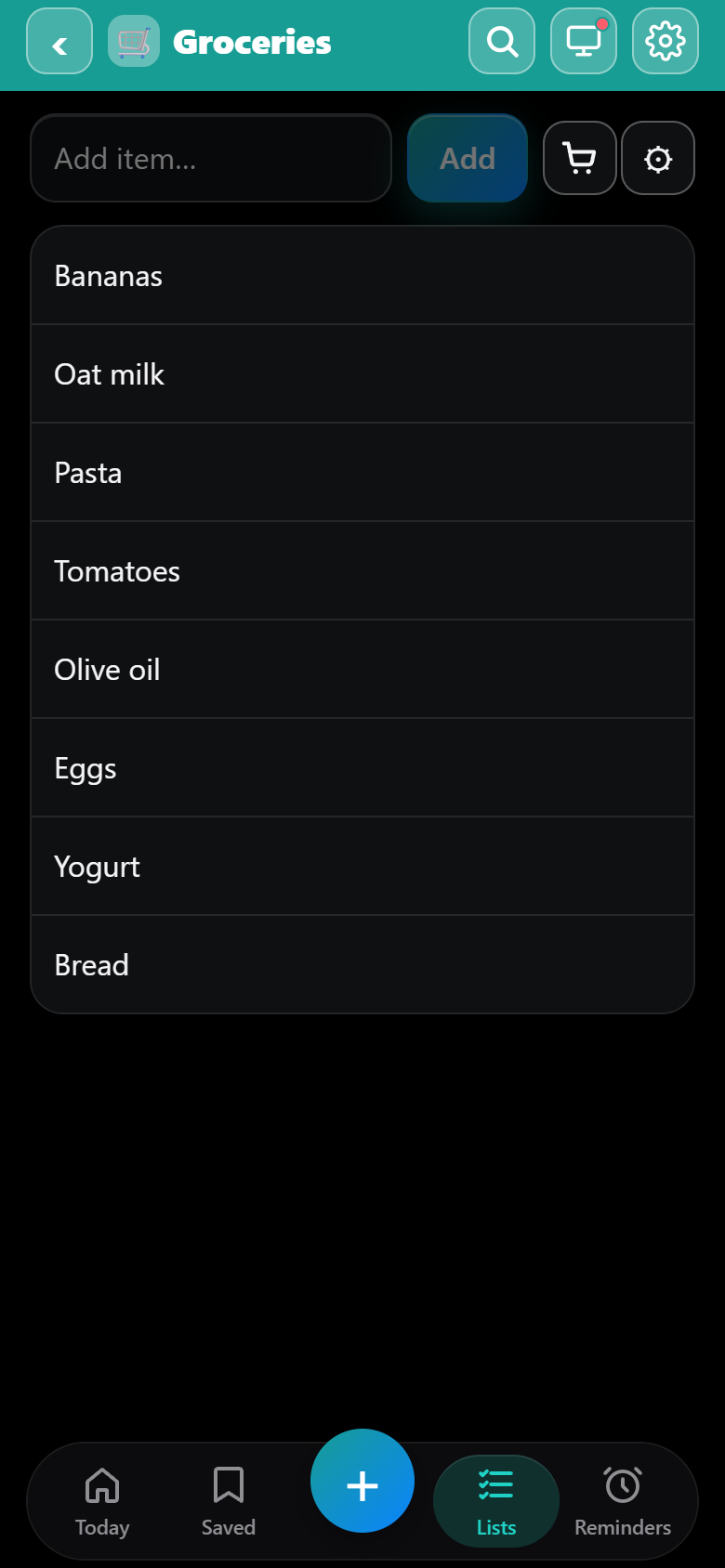
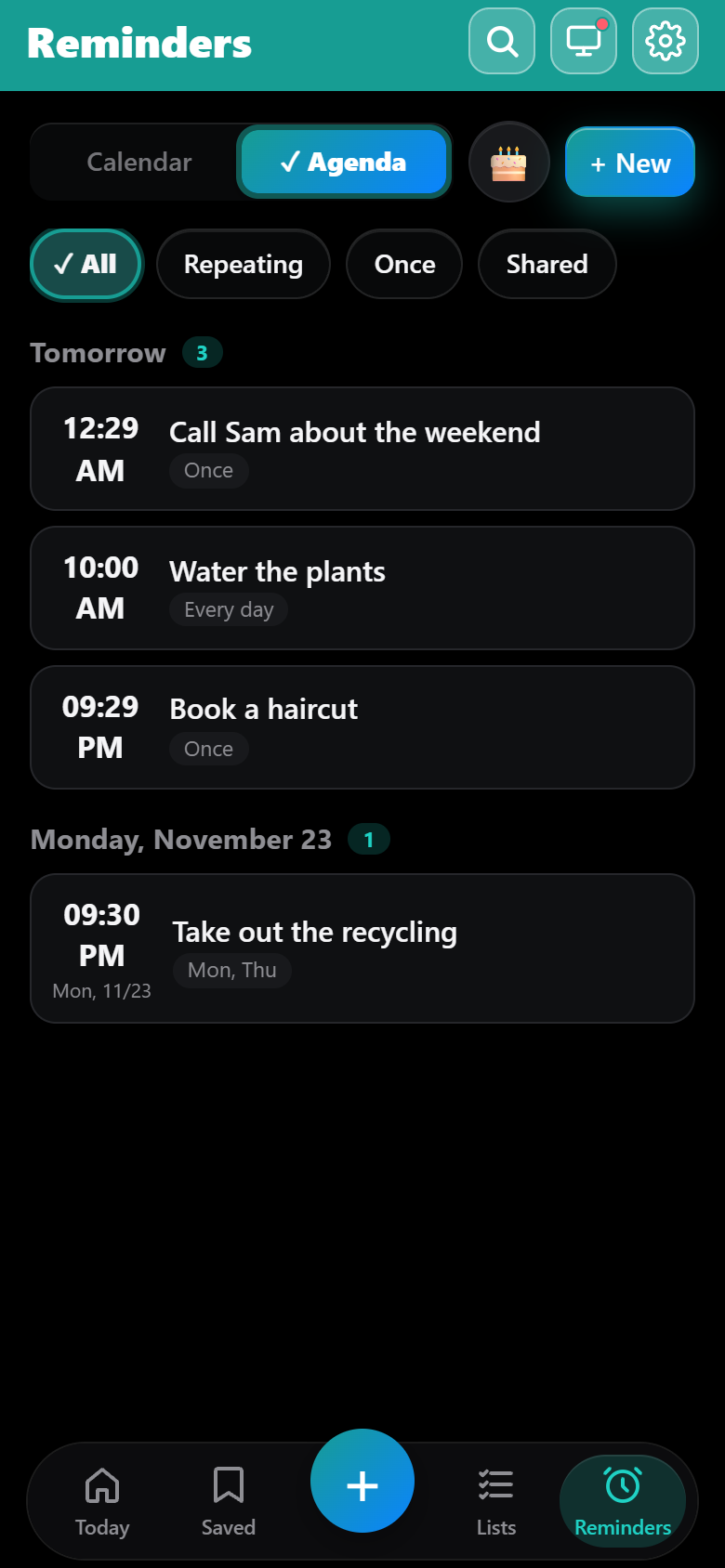
Stash is a private app I built for everyday life at home. Shopping lists, reminders, deliveries and saved links all live in one place, on my phone, working the way I want them to.
Why I built it
I built it because the small daily things were scattered across too many apps, and none of them quite did what I needed.
It isn’t public, and there is no download.
Screens
Screenshots are from a test copy with made-up demo data.
Hard moments
A tap that must never be lost, and never counted twice
- What I wanted
- Tick something off the shopping list, or mark a reminder as done, even in a shop with a weak signal, without the button ever waiting or failing.
- Where it got stuck
- A phone with a weak connection doesn’t fail cleanly. It hangs. If the app waits, the button feels broken. If the app just sends the tap again later, the same tap can arrive twice.
- Why the simple ways fail
- Simply waiting for the network makes the button feel broken, and simply sending the tap again can count it twice.
- What fixed it
- The screen changes at once, and the tap is kept on the phone in a small queue. Every tap gets its own ID, and the server ignores an ID it has already seen, so a tap counts once even if it’s sent twice. Taps go in order, so a tick followed by its undo still ends up right, and each tap carries the time it was made.
- What I learned
- “Fast” and “correct” are different jobs. Make the screen answer instantly, then make the server safe against repeats.
Money is on the line, so old information is a bug
- What I wanted
- A shopping list that shows what the shop will cost, including deals.
- Where it got stuck
- I once trusted a deal the app showed, and at the till the price was higher. The deal needed something extra to apply, and the app hadn’t said so. A wrong price isn’t a small bug when it costs real money.
- What didn’t work
- Showing one confident price for everything.
- What fixed it
- Prices refresh every 20 minutes, the list says how long ago, and there’s a refresh button. “Buy 2” deals show the normal price for one item, then the deal, instead of pretending one item is cheaper. A deal that is only half complete is flagged for me to check.
- What I learned
- When the data can be wrong, show how old it is and what it depends on. Honest beats impressive.
Turning messy receipts into clean data
- What I wanted
- Know what I really pay for things over time, without typing every item by hand.
- Where it got stuck
- Typing prices in by hand was out from the start: nobody keeps that up. And a paper receipt is messy. Names are cut short, quantities and weights sit on separate lines, and discounts sometimes appear under the item and sometimes only at the end.
- What fixed it
- I copy the receipt’s text with the phone’s built-in text recognition and paste it in. Each barcode becomes a product that I name once, and from then on it’s remembered. The app checks its own work: the lines have to add up to the receipt total, or it tells me.
- What I learned
- Don’t trust data just because it parsed. Make it prove itself with a simple check, like “does it add up?”.
A gap on the iPhone that took too many guesses
- What I wanted
- The app to fill the whole screen when added to the iPhone’s Home Screen.
- Where it got stuck
- An empty strip appeared under the tab bar, exactly as tall as the status bar at the top.
- What didn’t work
- Forcing the height to the screen size (it cut the bottom off), and changing the viewport setting (nothing changed). It took four rounds of guessing.
- What fixed it
- I stopped guessing and measured a screenshot pixel by pixel. The gap was exactly the height of the top safe area, which pointed straight at the cause: one status bar setting. Changing it, and adding the icon to the Home Screen again, fixed it.
- What I learned
- Measure first. A screenshot and a ruler beat an hour of guessing.
Knowing where to stop
- What I wanted
- My app to know about things that live on other websites.
- Where it got stuck
- Some sites simply don’t answer a program running on a server. Something can work perfectly on my own computer and then fail once it runs somewhere else.
- What I decided
- Not to fight it. The app only does what I could do myself, for my own use. Where a site won’t talk, the app says how old its information is and that it may be out of date, instead of hiding it.
- What I learned
- A good limit is a feature. Deciding where to stop kept the app simple and honest.
What it’s made of
- On the phone
- A web app that installs on the phone like a normal app, with no app store. React and TypeScript for the screens.
- Offline
- A small queue on the phone, so taps work without a connection.
- Behind the scenes
- Node.js with a small SQLite database that is just one file.
- Checks
- Automatic tests that run before every release, so a change doesn’t quietly break something that worked.